



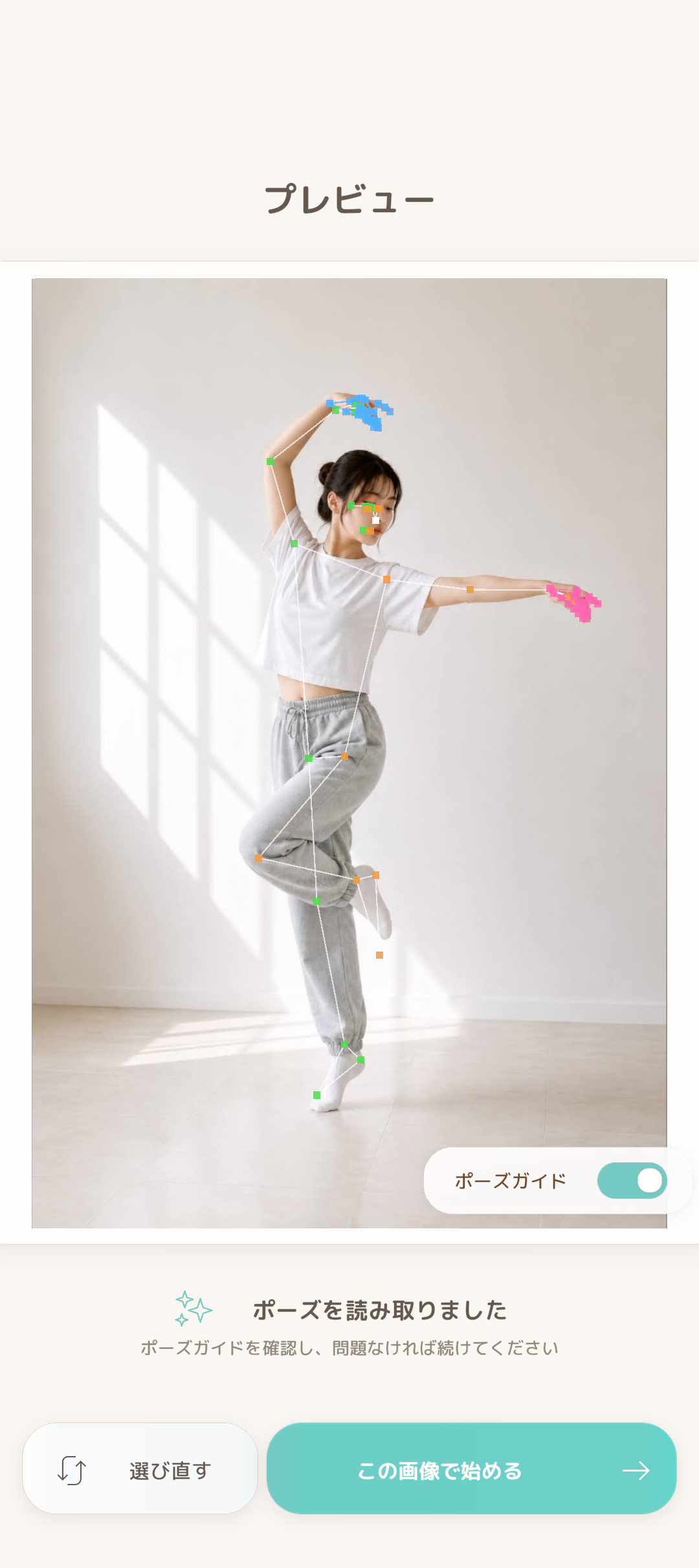
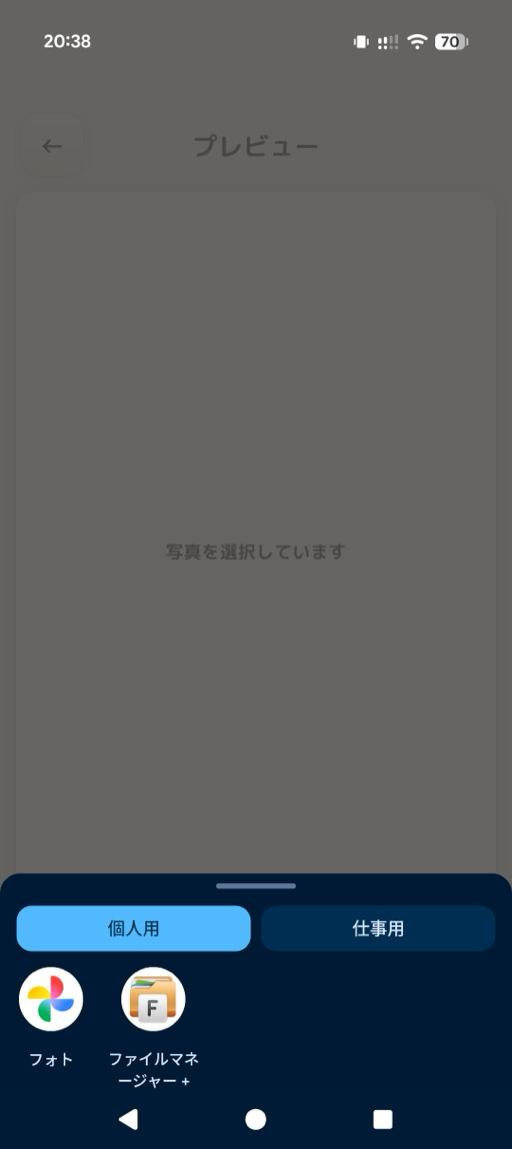
Choose a photo
Take a photo or choose one saved on your device.
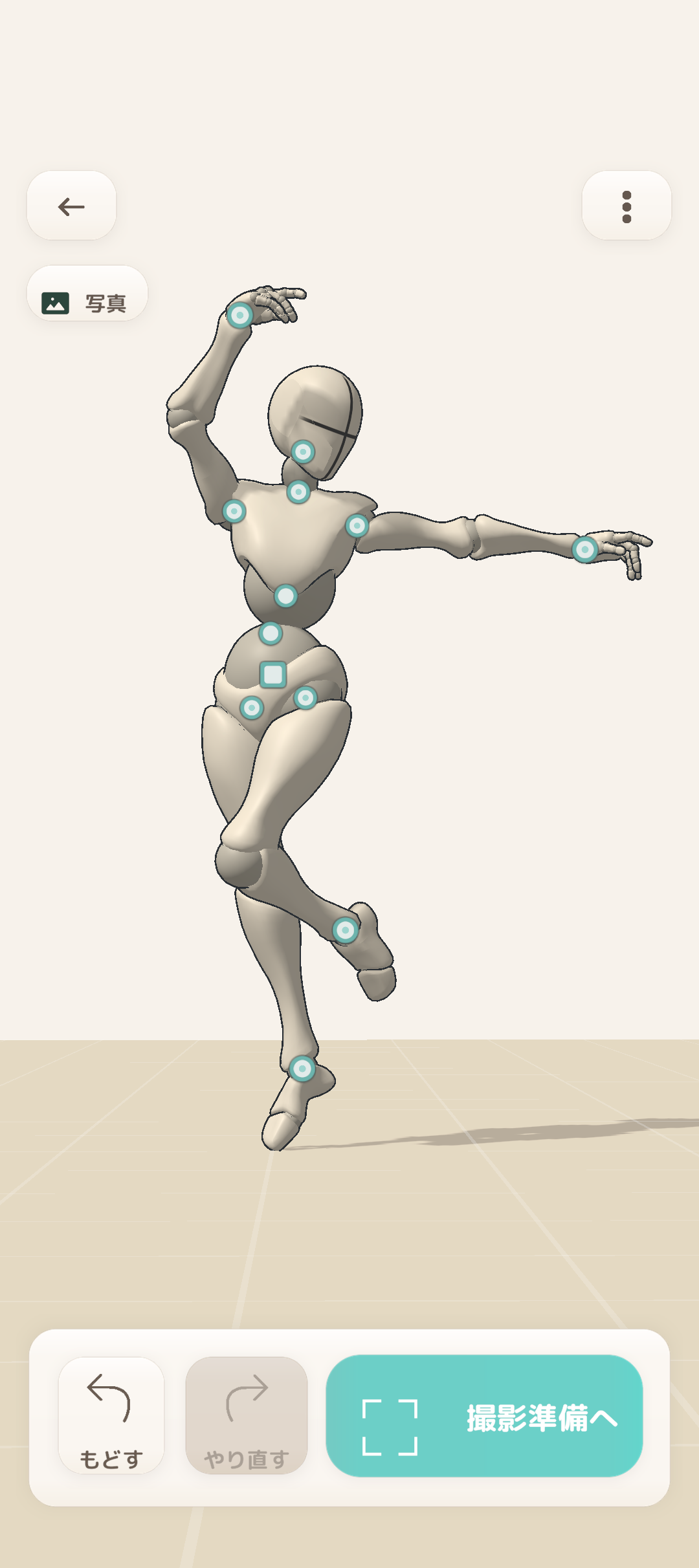
Turn a photo or camera shot into a 3D drawing mannequin. Inspect it from any angle, refine the parts you need, and export a transparent PNG for your illustration workflow.
Screens shown are from the app. Content may change with future updates.
HOW IT WORKS
Follow five steps from choosing a photo to refining, checking, and exporting a 3D pose.
Take a photo or choose one saved on your device.
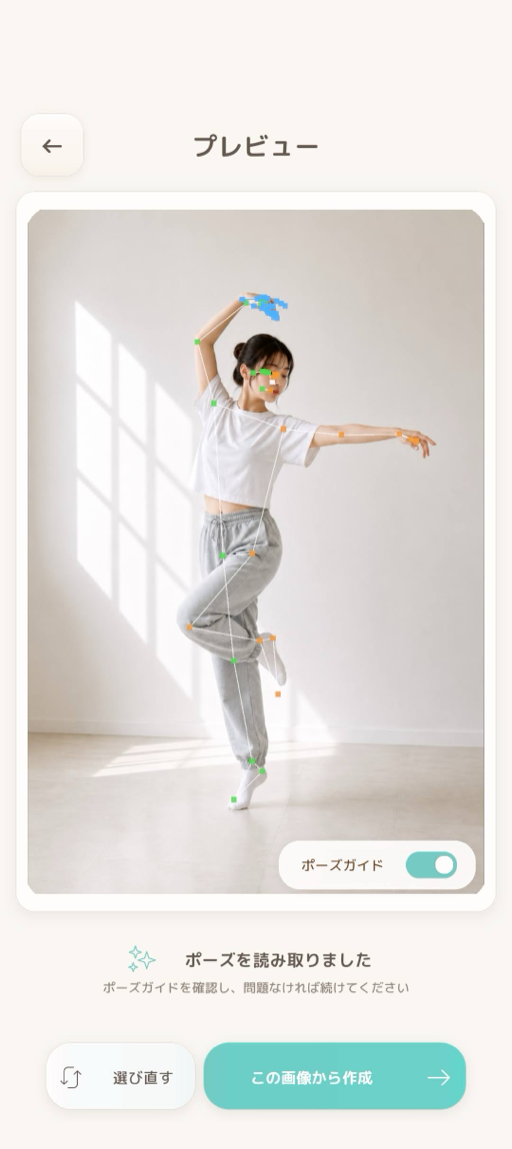
Create a 3D drawing mannequin from the photo.
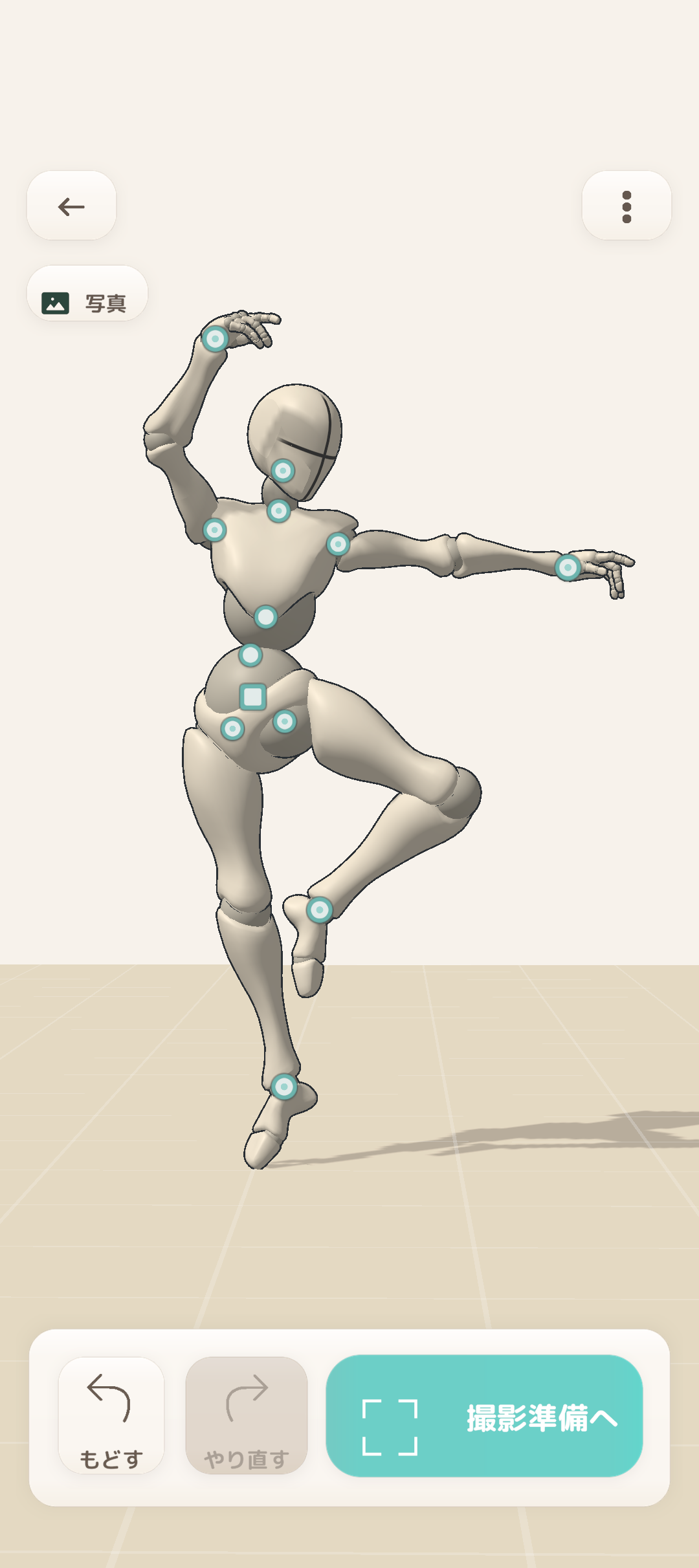
Move the arms, legs, and other parts.
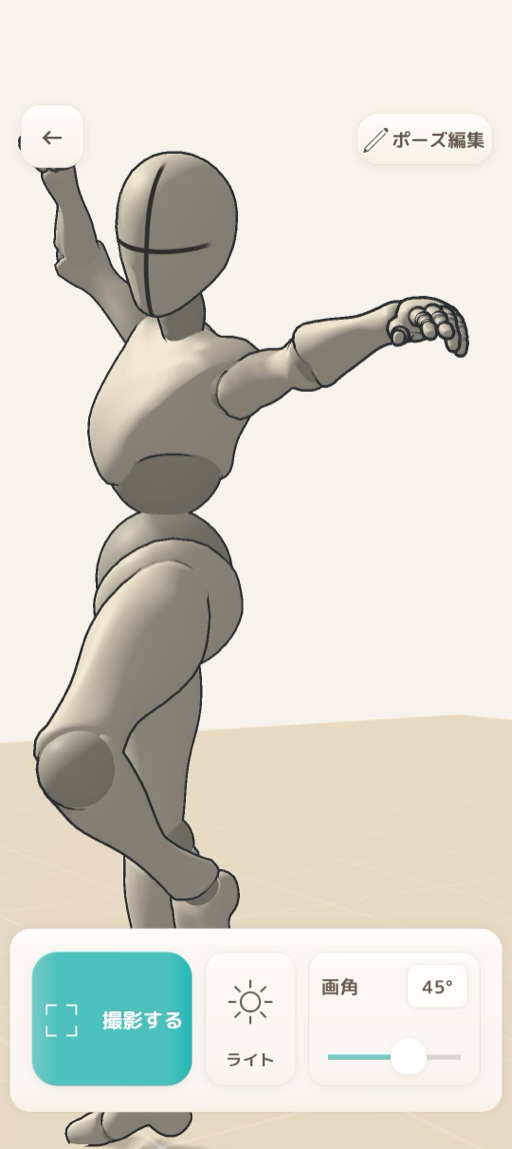
Rotate and zoom the 3D model.
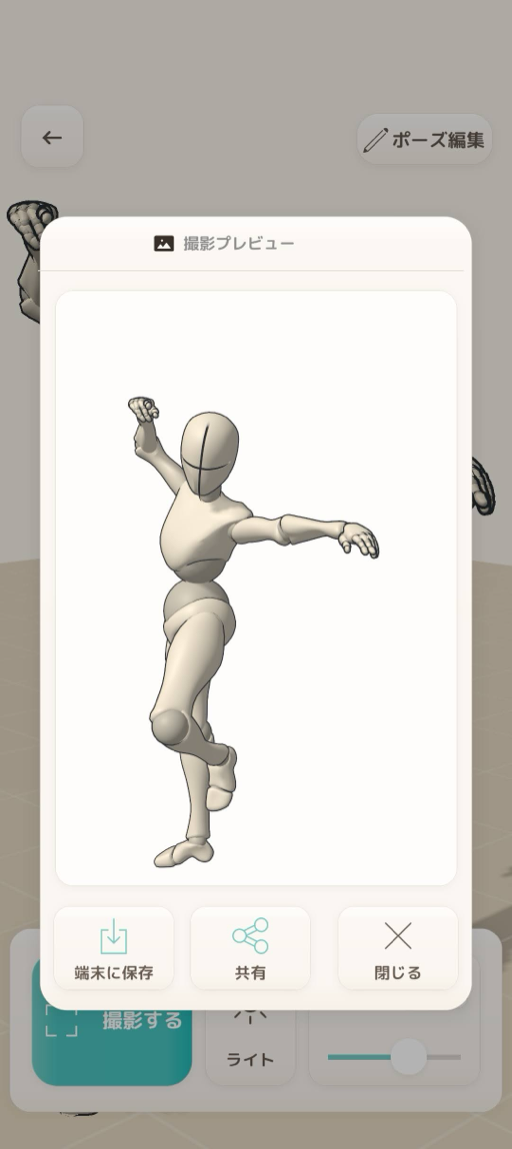
Save the adjusted pose as an image.
PRICE / DOWNLOAD
Download PoseDoll for iOS or Android for free. Explore the 3D view and edit sample poses with no limit on the number of edits.
iOS / ANDROID
Local store price
One-time purchase. No monthly subscription.
Your local price and full feature details are shown in the App Store or Google Play purchase screen.
WHAT YOU CAN DO
Here are the benefits for building drawing reference with PoseDoll.
Create a 3D pose from a reference photo instead of moving a mannequin from scratch.
Rotate and zoom the 3D model to inspect the pose from a direction outside the original photo.
Refine the generated result by moving the arms, legs, and other parts to fit your composition.
Export a transparent PNG and use it as drawing reference in your usual creative workflow.
MODEL OPTIONS
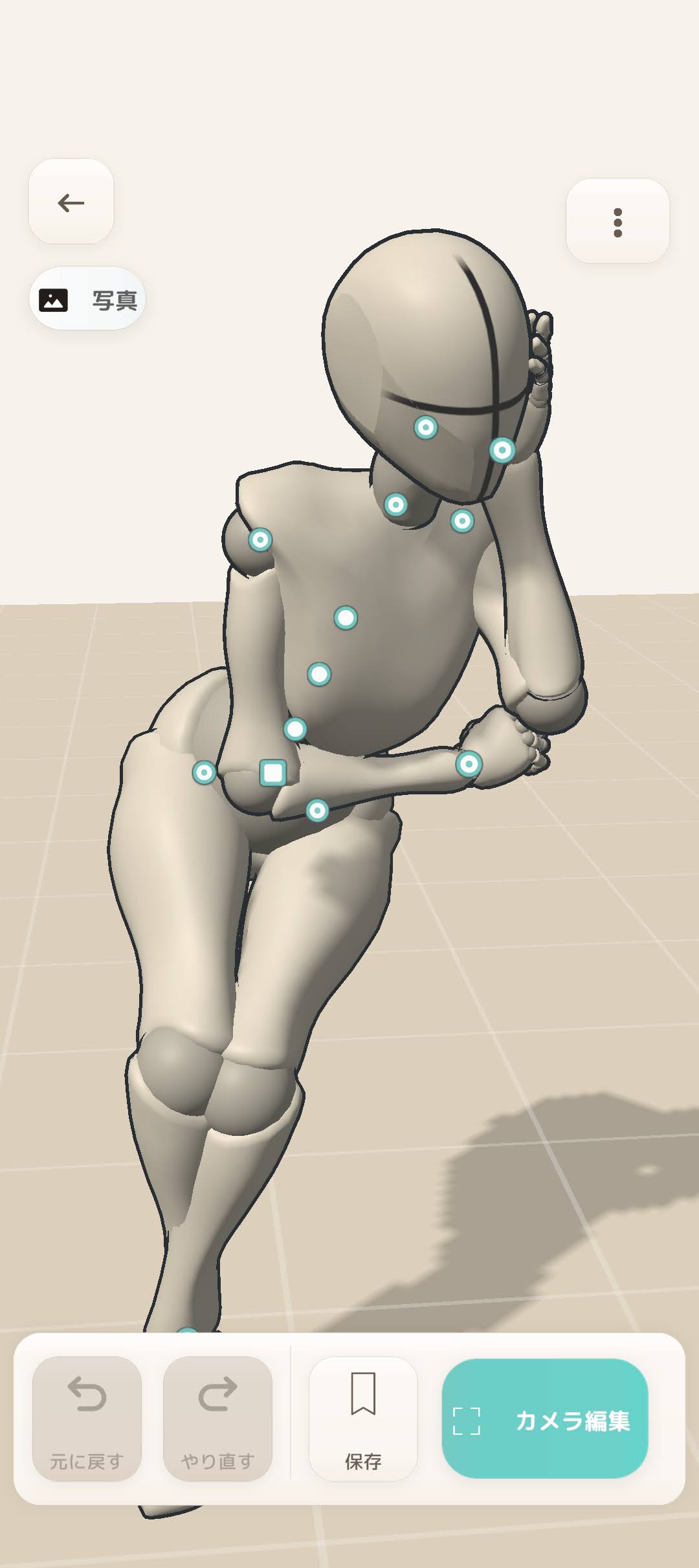
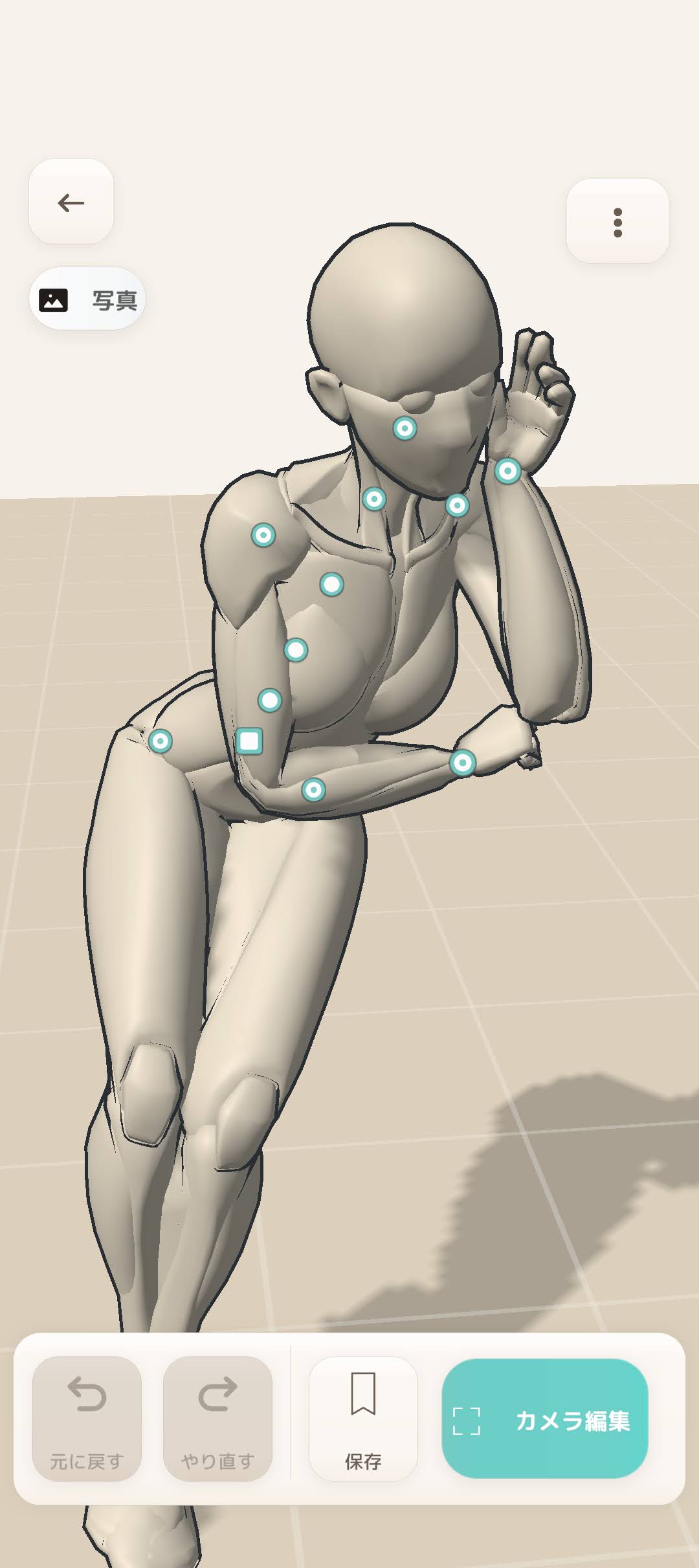
Use the simple shapes of Basic or explore the human form with Human (Beta). Both offer male and female models for your drawing reference.
Human models are in beta. Their appearance and behavior may change in future updates.
REFERENCE PHOTO
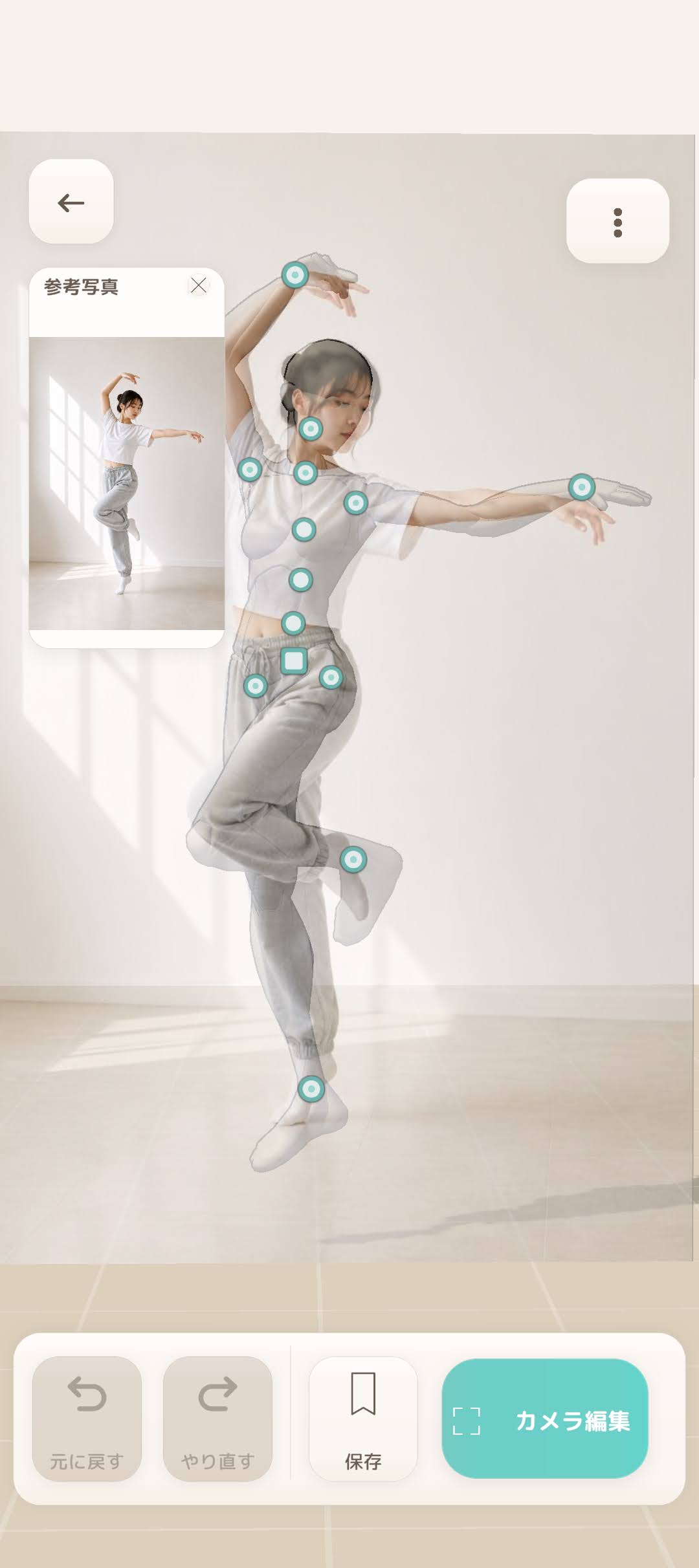
Display your reference photo over the 3D view and compare it with the model as you refine the arms, legs, and body.
Adjust the photo's size and opacity to focus on the parts you want to check.
OTHER FEATURES
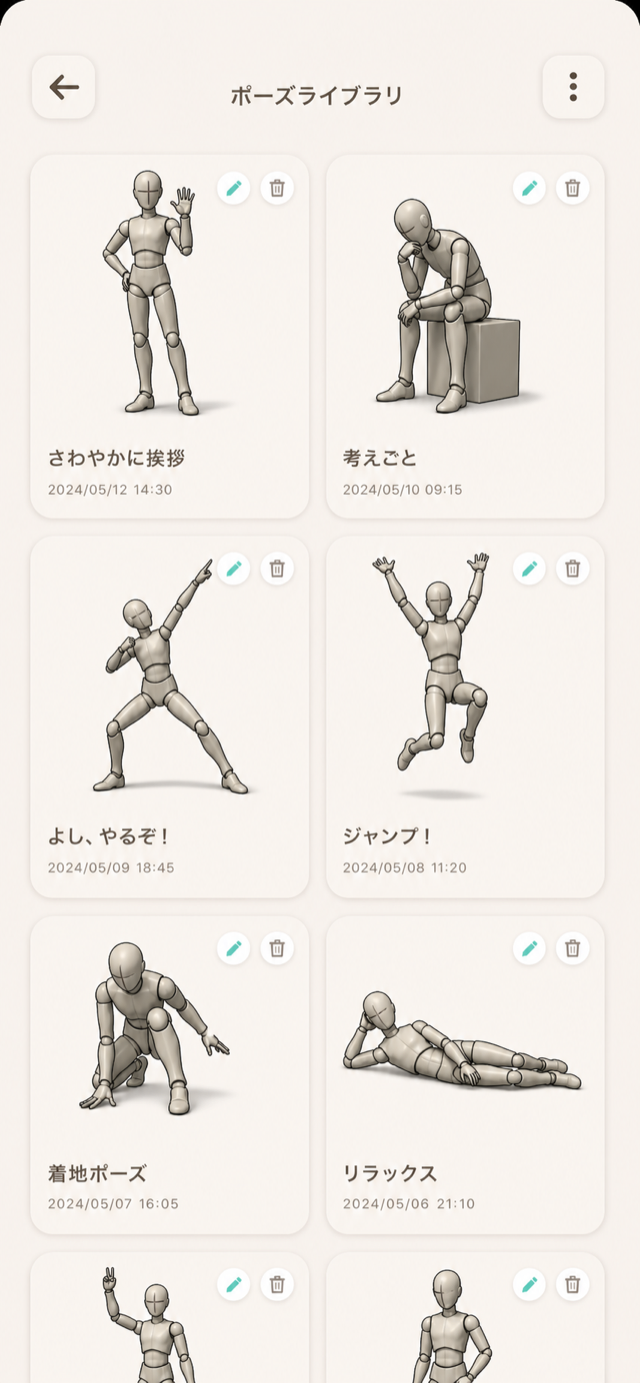
Save created poses and bring them back whenever you need them.
Export the model with a transparent background for use in another tool.
Switch between male and female models to match the reference you need.
ROADMAP
We will continue improving PoseDoll and adding features for a wider range of pose-making workflows.
NEXT
EXPLORING
The roadmap may change as development progresses.
Some features or content may be offered as paid additions.
NEWS
Release and update information is listed here in reverse chronological order.
FAQ
Yes. PoseDoll is available for Windows on Steam. Get it from the Steam store page.
On iOS and Android, you can explore the 3D view and edit sample poses for free, with no limit on the number of edits. Importing your own photos, camera capture, the pose library, and saving or sharing images require the one-time core features unlock. Check the in-app purchase screen for full details.
No. Photos used to create poses are processed on your device and are not sent to PoseDoll's servers.
Results vary with the composition of the photo, clothing, and how much of the body is hidden. You can refine the result in the app as needed.
Yes. Images created and exported from PoseDoll can be used as drawing reference.
Yes. We plan to continue improving the app and adding features. Upcoming ideas are listed in the Roadmap, while released updates are announced in NEWS.
We plan to continue improving core features, but some features or content may be offered as paid additions.
HELP US IMPROVE
Share bugs, anything that felt difficult, or features you would like to see.
Send feedback